
Many Credit Unions need to see scores broken down by Branch, Employee (Agent) or possibly Age Group instead of one overall score.
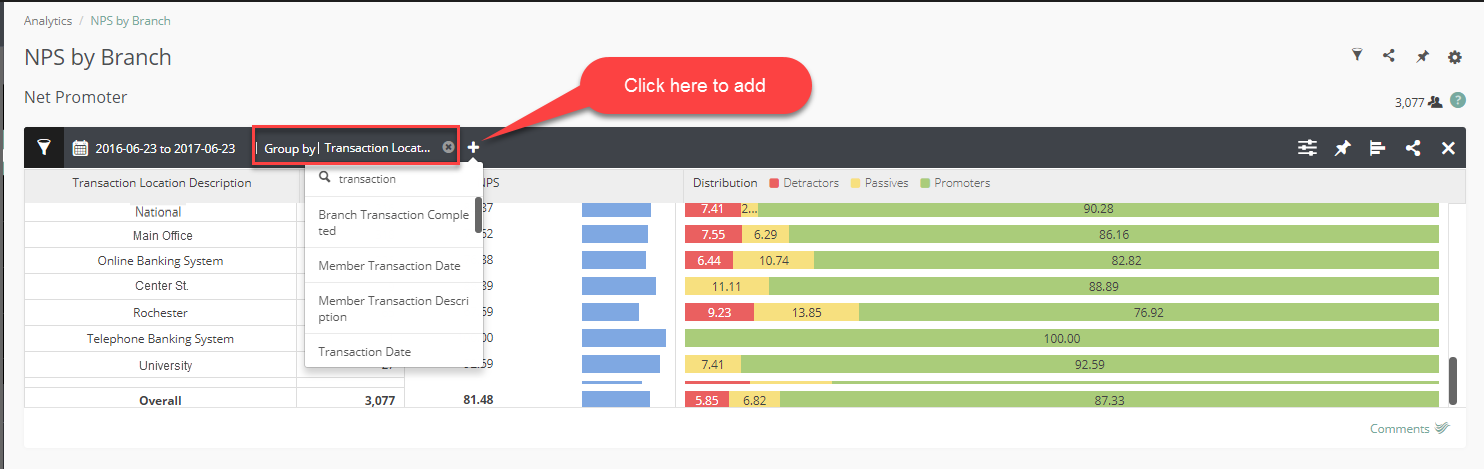
Add your chart, then click Group By to split your data into up to three segments. You can use this to compare performance across different groups.
The example below show Transactional surveys grouped by Transaction Location Description.
It will also display an Overall score at the bottom of the list. If you do not want to display the overall score you can deselect this option in Display Settings.
Comments
0 comments
Please sign in to leave a comment.